
For iPad 10th 10.9in Case with Keyboard Mouse for iPad 10.2in 7/8/9th Mini 6 Air 2 3 4 5 9.7in Pro 10.5 Pro 11 Tablets Case
black no mouse / Air4 Air5 10.9in
€23,05
Passer aux informations sur le produit




For iPad 10th 10.9in Case with Keyboard Mouse for iPad 10.2in 7/8/9th Mini 6 Air 2 3 4 5 9.7in Pro 10.5 Pro 11 Tablets Case
€23,05
SPECIFICATIONS
Application Laptop Size: 10.2
Battery Included: Yes
Brand Name: DANYCASE
Choice: yes
Compatible Brand: For Apple iPad
Feature: Shockproof,Anti-Dust,Hard
For IPad Model: iPad Pro 10.5 inch
High-concerned chemical: None
Material: Plastic
Model Compatibility: iPad Pro 12.9" 3rd(2018),ipad 8th(2020),iPad Pro 12.9" 6th(2022),iPad Pro 11" 3rd(2021),iPad Pro 9.7" (2016),iPad Pro 12.9" 4th(2020),iPad Air 4th(2020),iPad Air 2nd(2014),ipad mini 6th,iPad Pro 11" 2nd(2020),iPad Pro 11" 1st(2018),iPad 10th(2022),iPad 9th(2021),iPad Air 3rd(2019),iPad Air 5th(2022),iPad Pro 11" 4th(2022),iPad Pro 12.9" 5th(2021),iPad 7th(2019),iPad Pro 10.5" (2016)
Model Number: CO0307350
Origin: Mainland China
Package: Yes
Pattern Type: Solid
Style: Fashion
Type: With Keyboard
semi_Choice: yes
Note:
1. The product does not include pencils and pad.
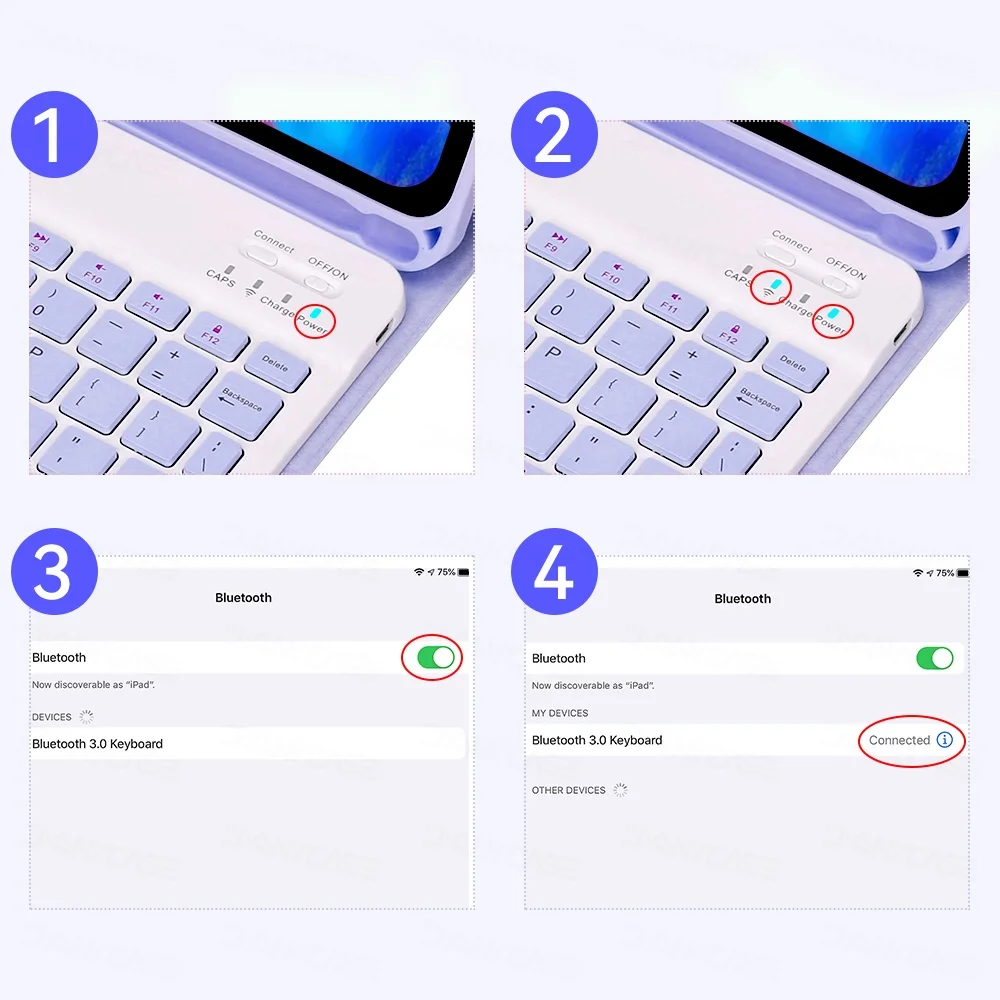
2. If you need to use both keyboard and mouse. Your iPad system needs to be upgraded to ios 13 or above(iPad Air 1 Unable to upgrade to ios 13)(Because some buyers don't know how to connect the mouse, they raise a dispute. It's not a product issue. You need to connect the keyboard and mouse at the same time. You need to upgrade the iPad to IOS 13 or later. Then connect the mouse through the iPad "Accessibility". It's not through a Bluetooth location. These are all problems that can be solved. Please contact us! Thank you!)
--For iPad Connect mouse This is the specific step: Accessibility--Touch--Assistive Touch--Devices-----
3. The keyboard is an English alphabet keyboard, you can type in all other languages after setting up other languages and keyboards in iPad. (For Brazilian guests we will send you Portuguese by default) If you need other languages: (Russian, Korean, Spanish, Arabic) we have a custom dual language keyboard. Language stickers are available. If you need one, please send us a message! ! ! Thanks!
Mini 6 uses a 7-inch keyboard and cannot be customised. Language stickers can be provided.
----------------------------------------------------------------------------------------------------------------------------------------------------
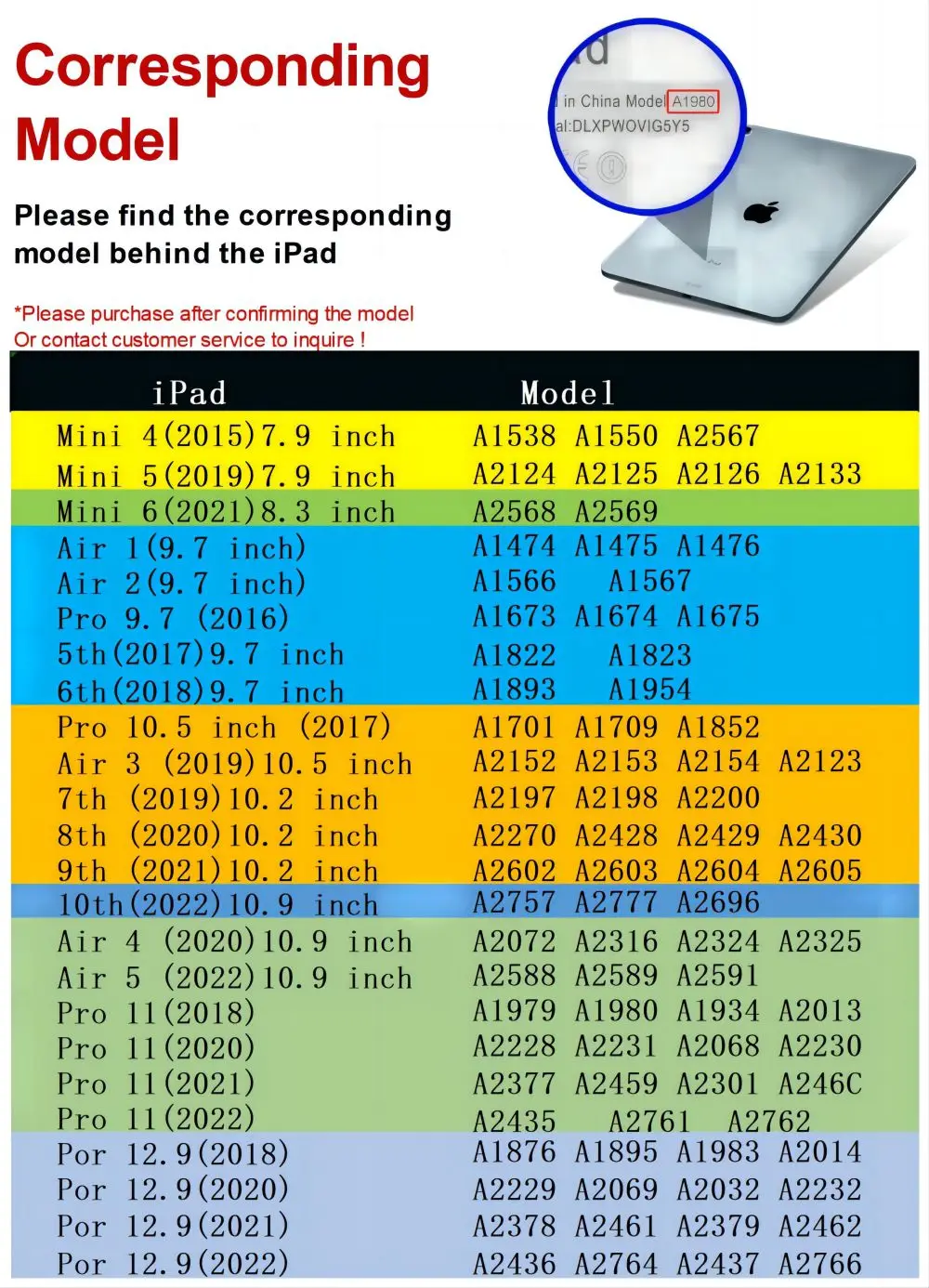
Note: The iPad 10th is a new model, which is not compatible with 10.9 inch. If you need the 10th, please contact customer service
Please Purchase After Confirming the Model or Contact Customer Service to Inquire! (The Models of Cases With the Same Background Color are Universal.)
For other models, please consult customer service first, thank you
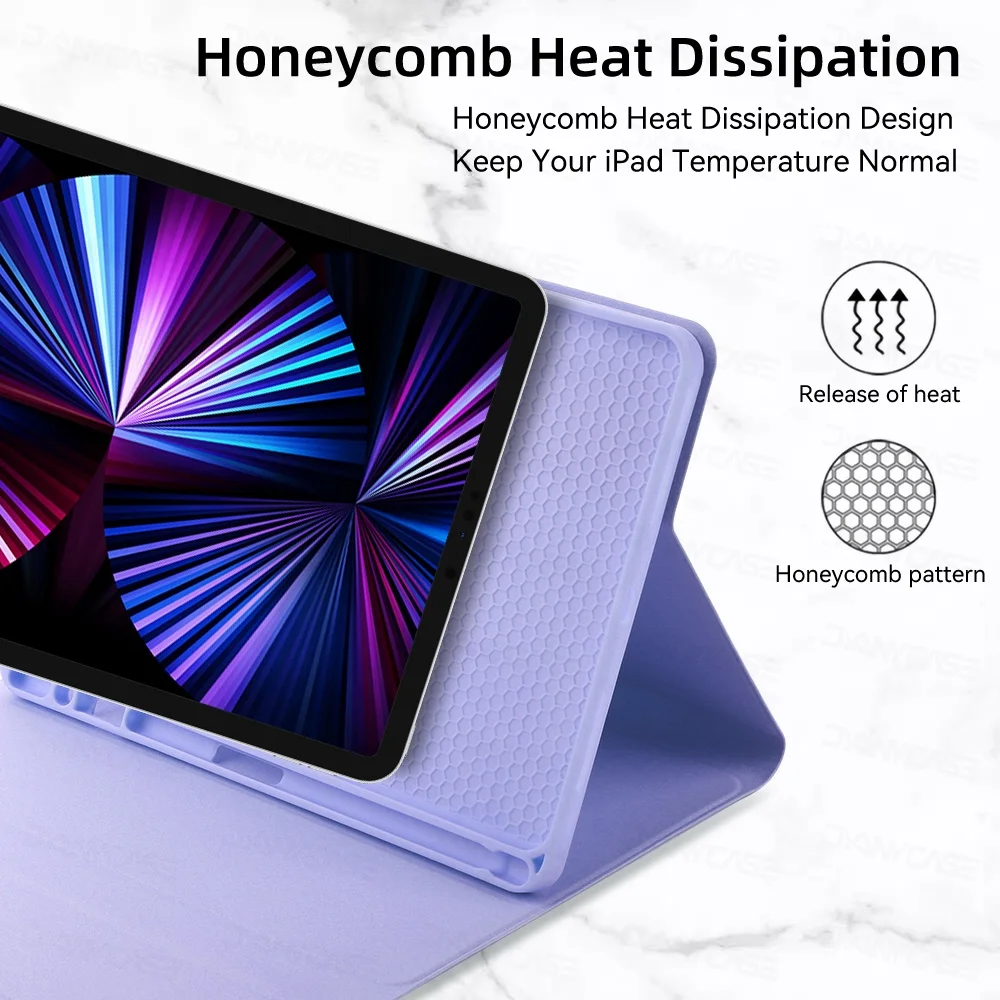
Honeycomb Heat Dissipation
Honeycomb Heat Dissipation Design Keep Your iPad Temperature Normal
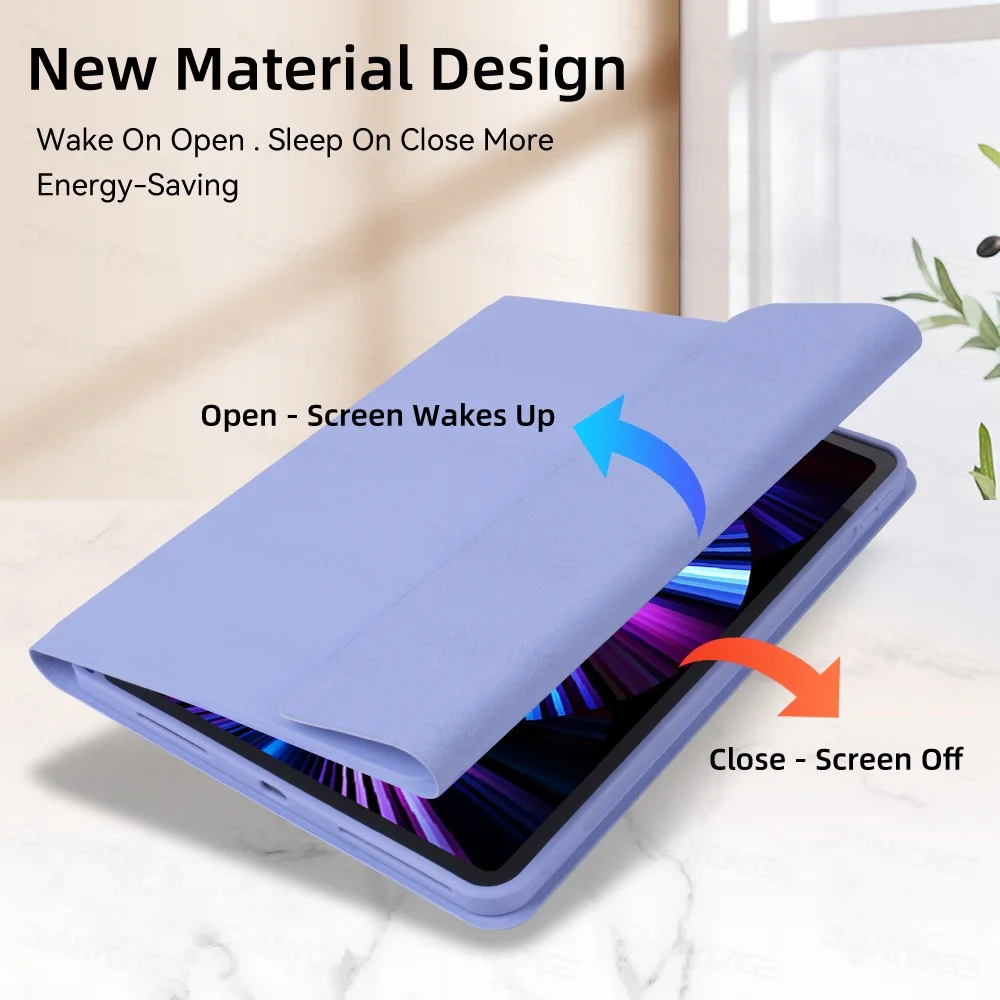
New Material Design
Wake On Open, Sleep On Close More Energy-saving
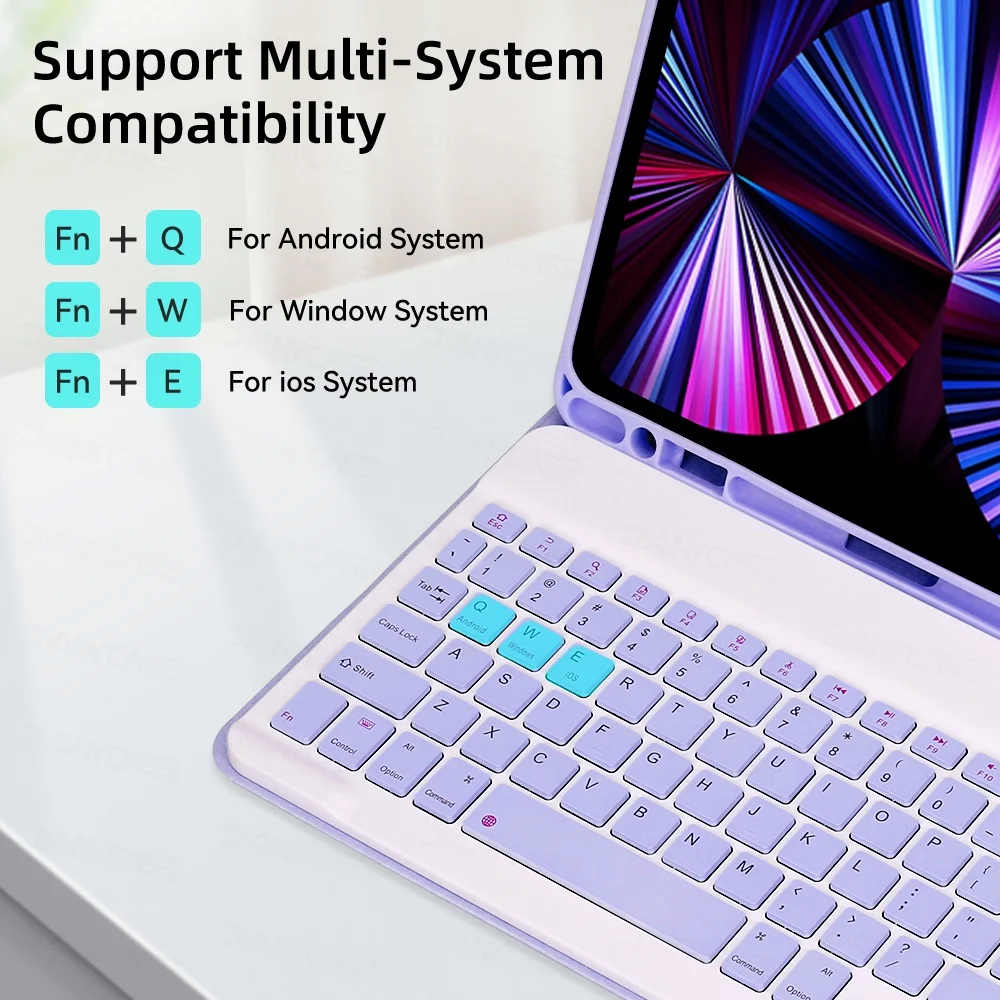
Support Multi-system Compatibility
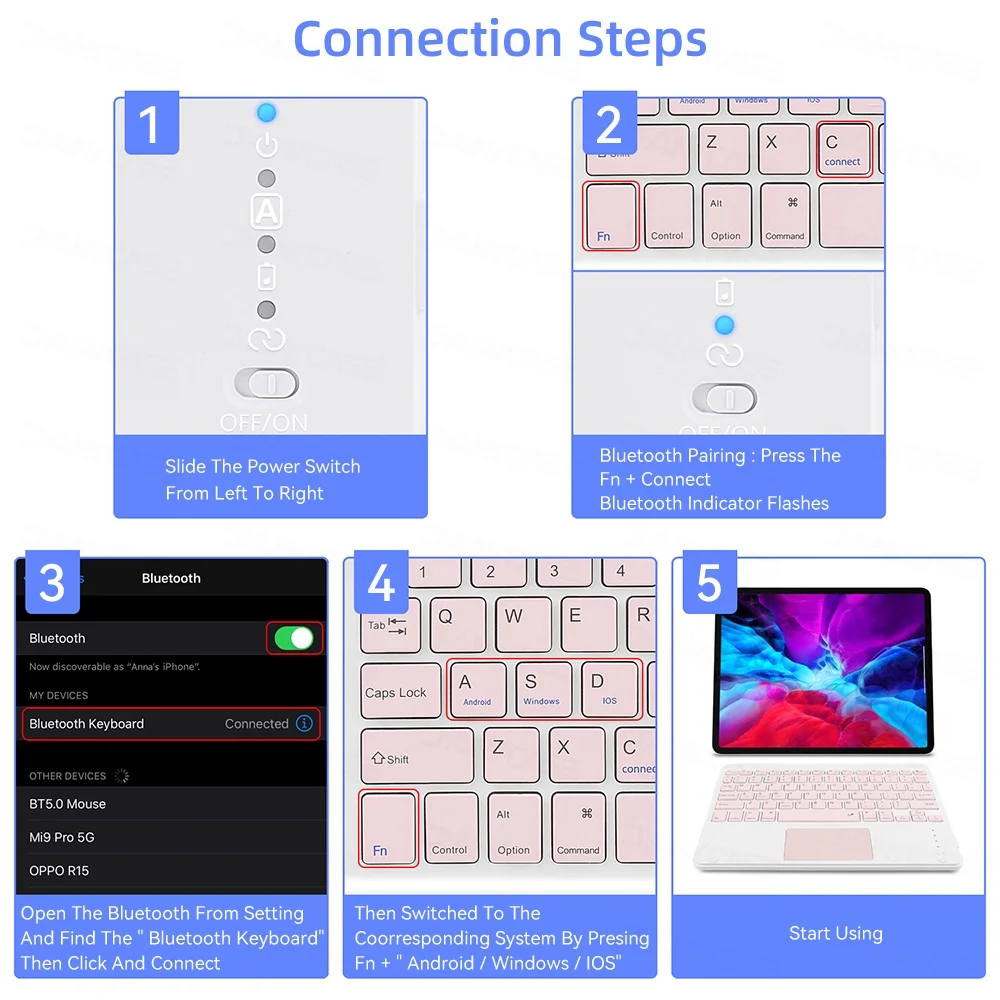
Fn+Q Para o sistema Android
Fn+W Para Sistema Janela
Fn+E Para o Sistema ios
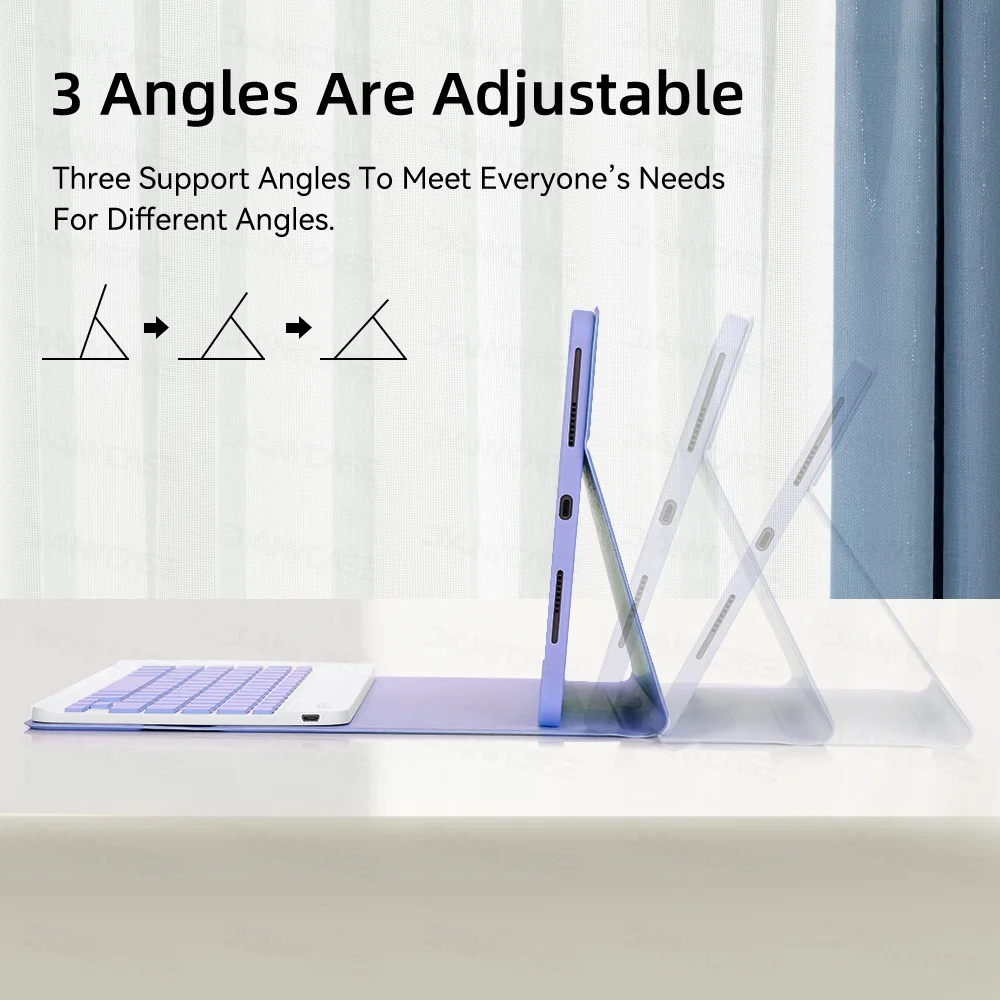
3 Angles Are Adjustable
Three Support Angles To Meet Everyone's Needs For Different Angles.
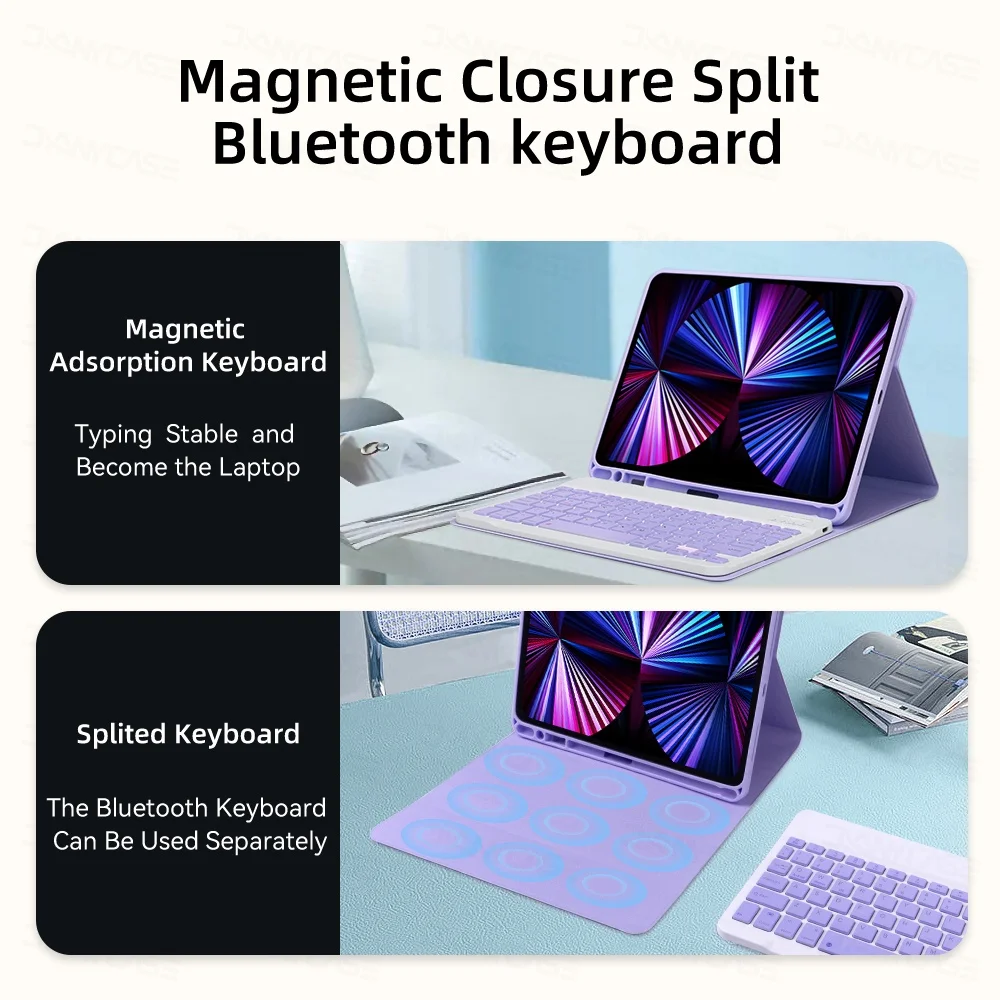
Magnetic Closure Split Bluetooth keyboard
Magnetic Adsorption Keyboard
Typing Stable and Become the Laptop
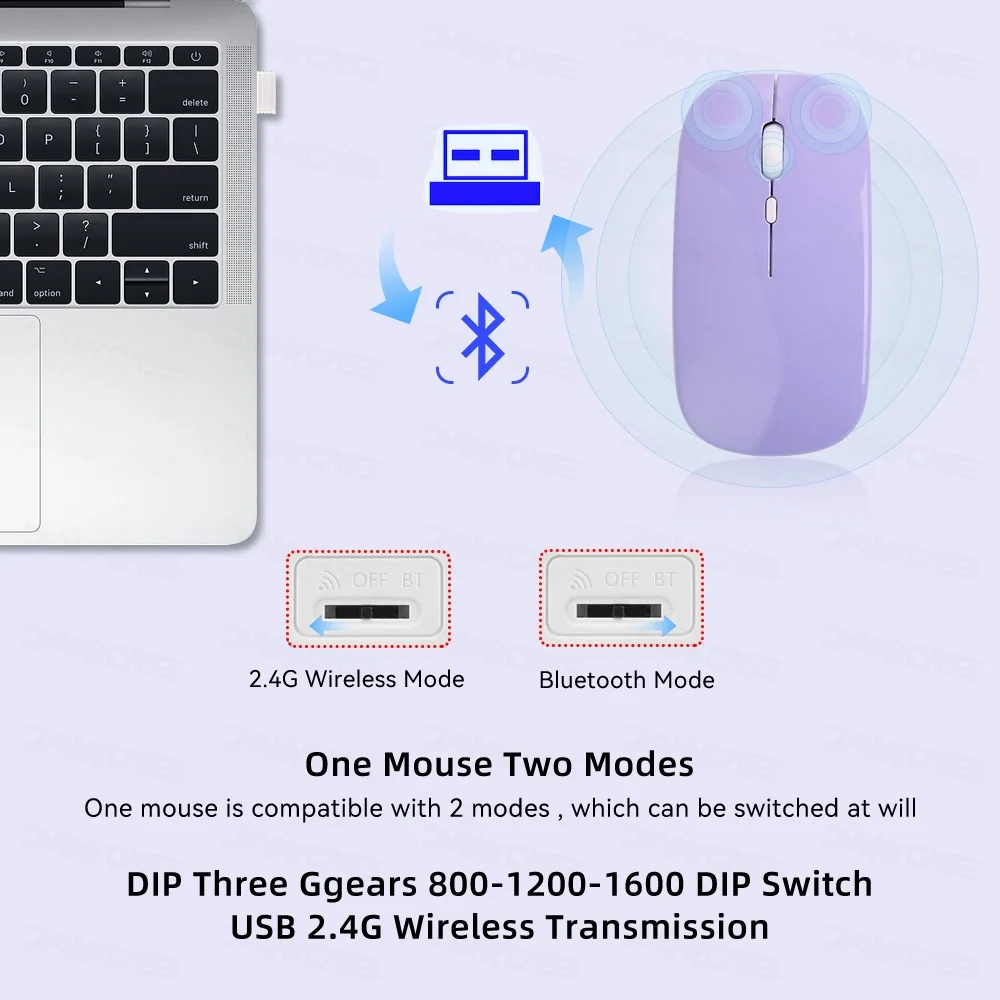
One Mouse Two Modes
One mouse is compatible with 2 modes, which can be switched at will
DIP Three Gears 800-1200-1600 DIP Switch USB 2.4G Wireless Transmission.
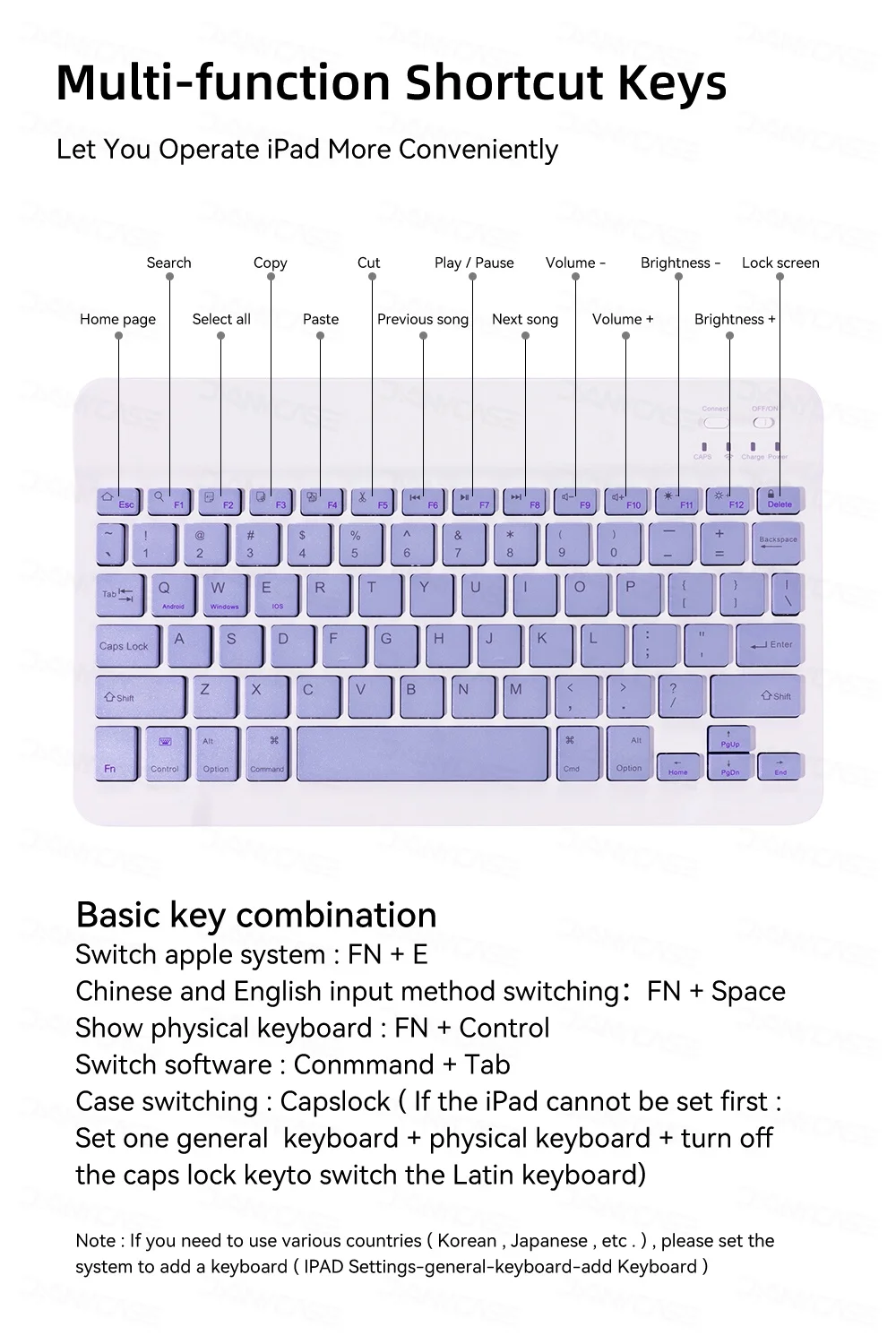
Multi-function Shortcut Keys
Let You Operate iPad More Conveniently
Basic key combination
Switch apple system: FN+E
Chinese and English input method switching: FN+Space
Show physical keyboard: FN+Control
Switch software: Conmmand+Tab
Case switching: Capslock (If the iPad cannot be set first: Set one general keyboard+physical keyboard+turn off the caps lock key to switch the Latin keyboard)
Note: If you need to use various countries (Korean, Japanese, etc.) please set the system to